 BBZ Image Tools
Free batch image editor for WindowsA whole photo folder.
A lot less work.
Download BBZ Image Tool for Windows. Rename, resize, crop and convert your photos in batches, with no account required for the free desktop tools.
↓ Download for WindowsAlso free with an account
10 online background removals and 50 Catalog Builder lots. No card needed.
Create a free account ↗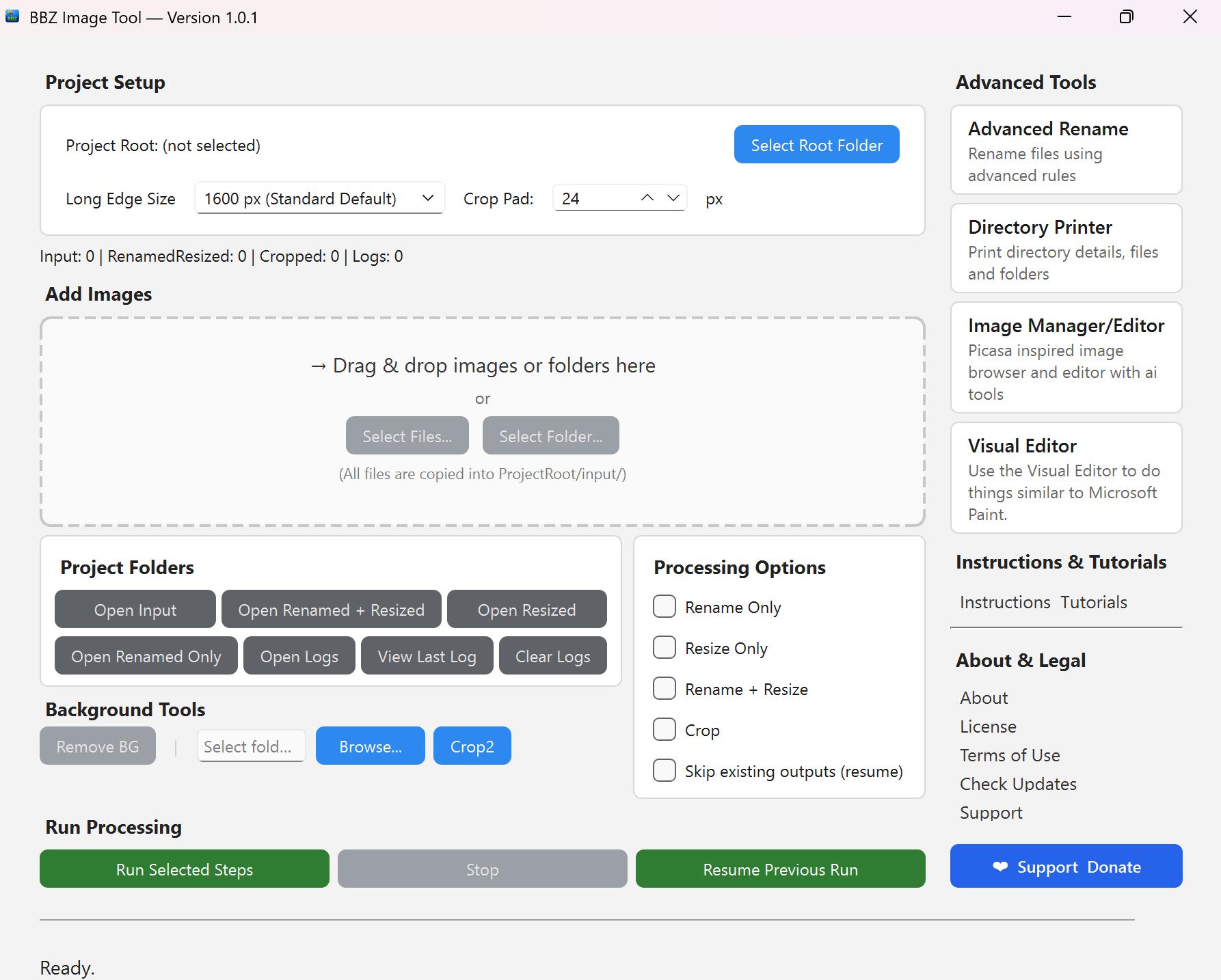
Three steps to your first batch.
Download
Save the Windows installer to your computer.
Install
Run the installer and follow its setup prompts. No separate Python installation is needed.
Open & prepare
Open the tool, work on a copy of your photos and preview a small batch before processing a whole folder.
Your everyday image tools, included free.
Batch rename
Turn camera filenames into consistent lot and image numbers.
Resize & scale
Prepare single images or batches for your catalog and listings.
Crop & trim
Improve framing and keep your item prominent.
Format convert
Convert working images to the format your next step needs.
Print directories
Create file listings for organizing and checking photo folders.
Browse & edit
Inspect your photo library and make individual edits.
Take a look inside.
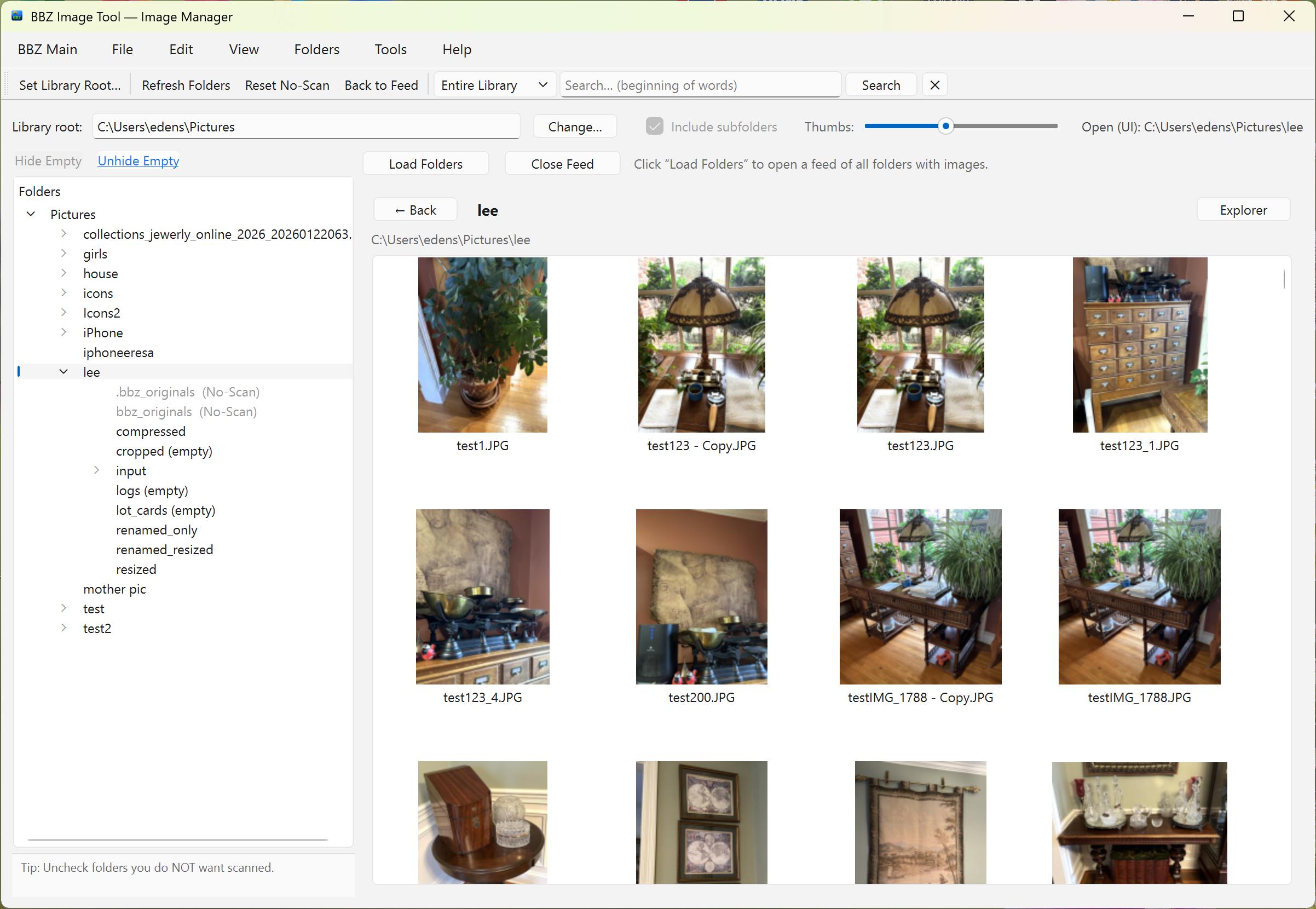 Image Manager
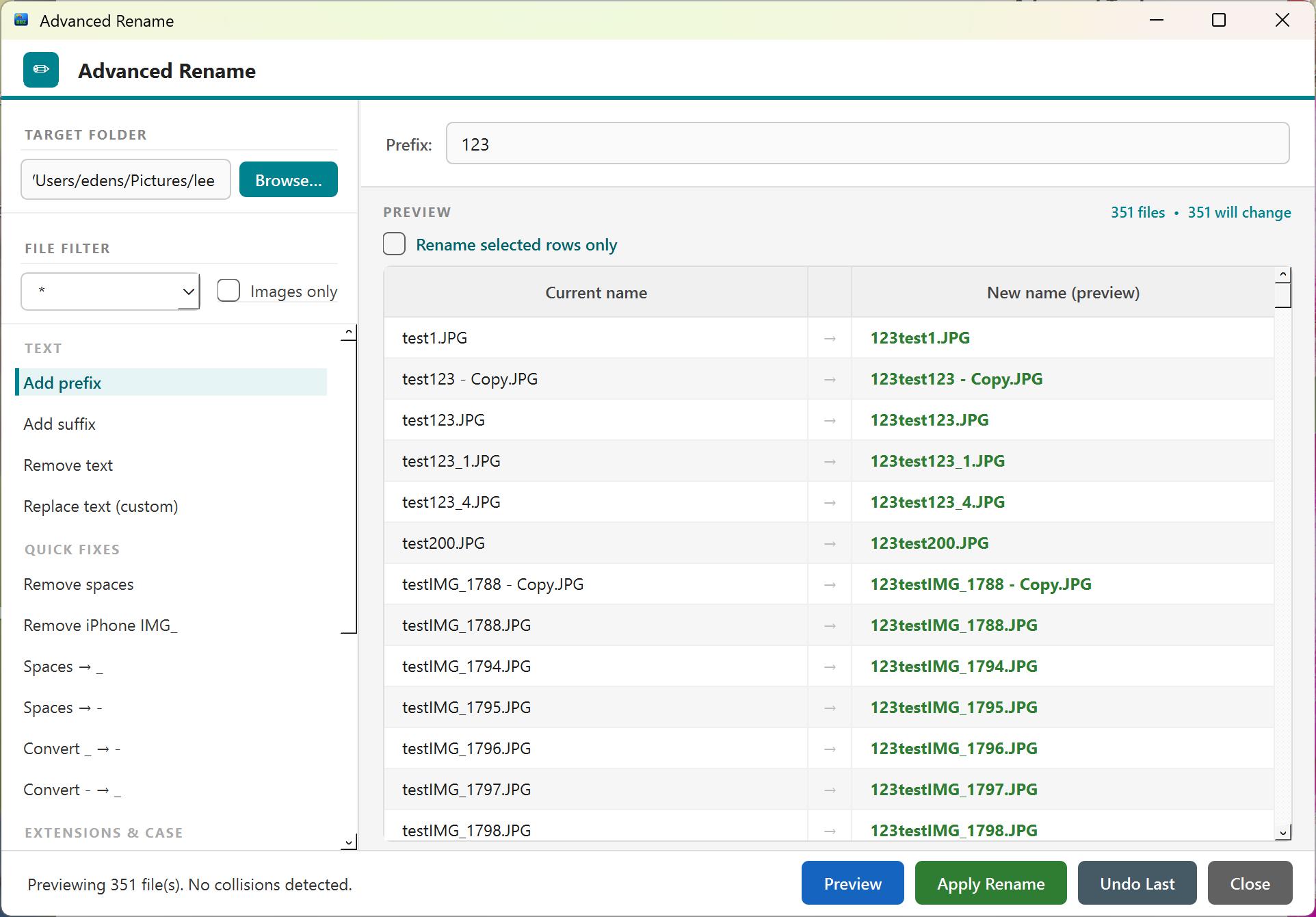 Advanced Rename
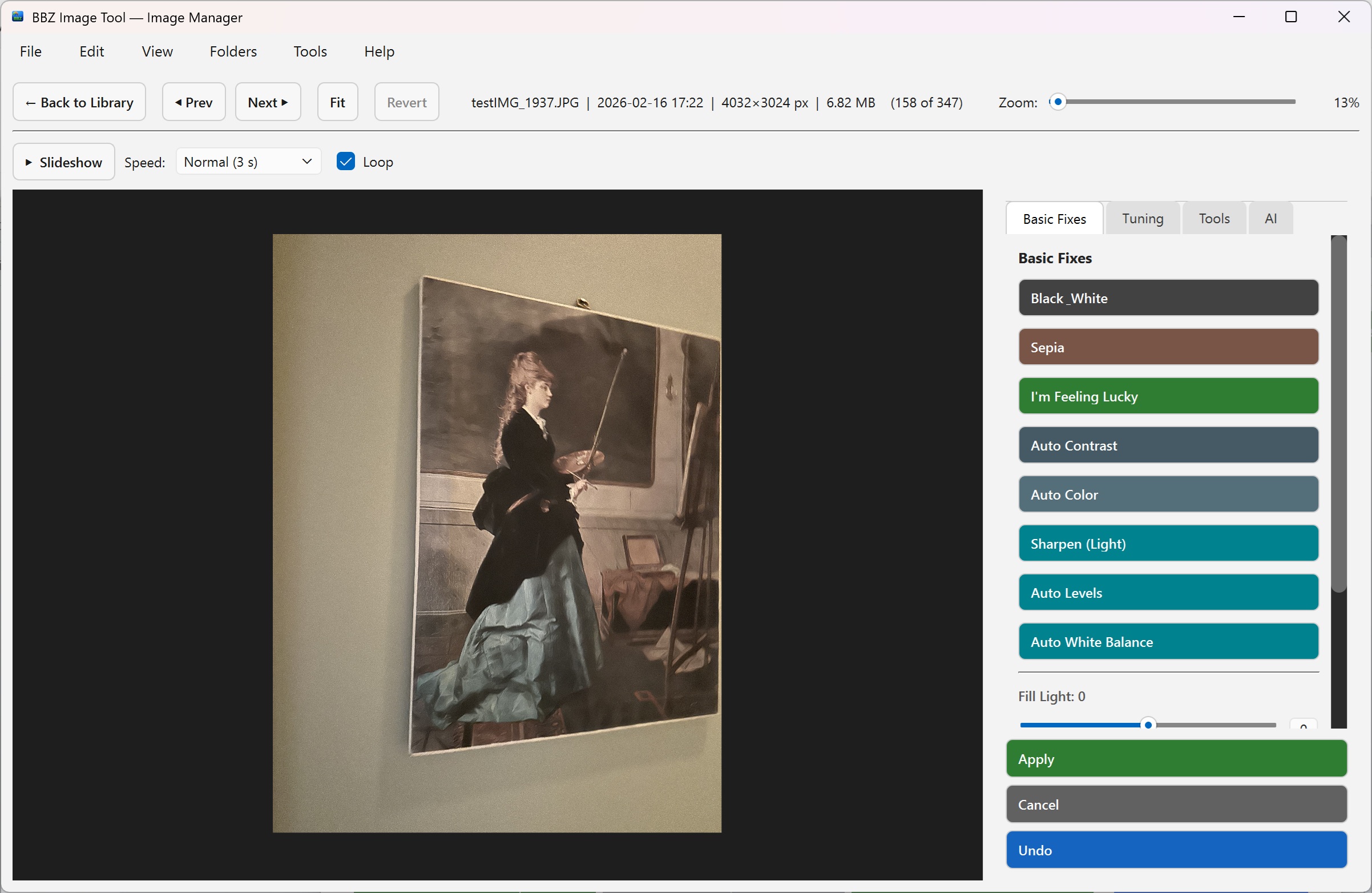 Viewer & Editor
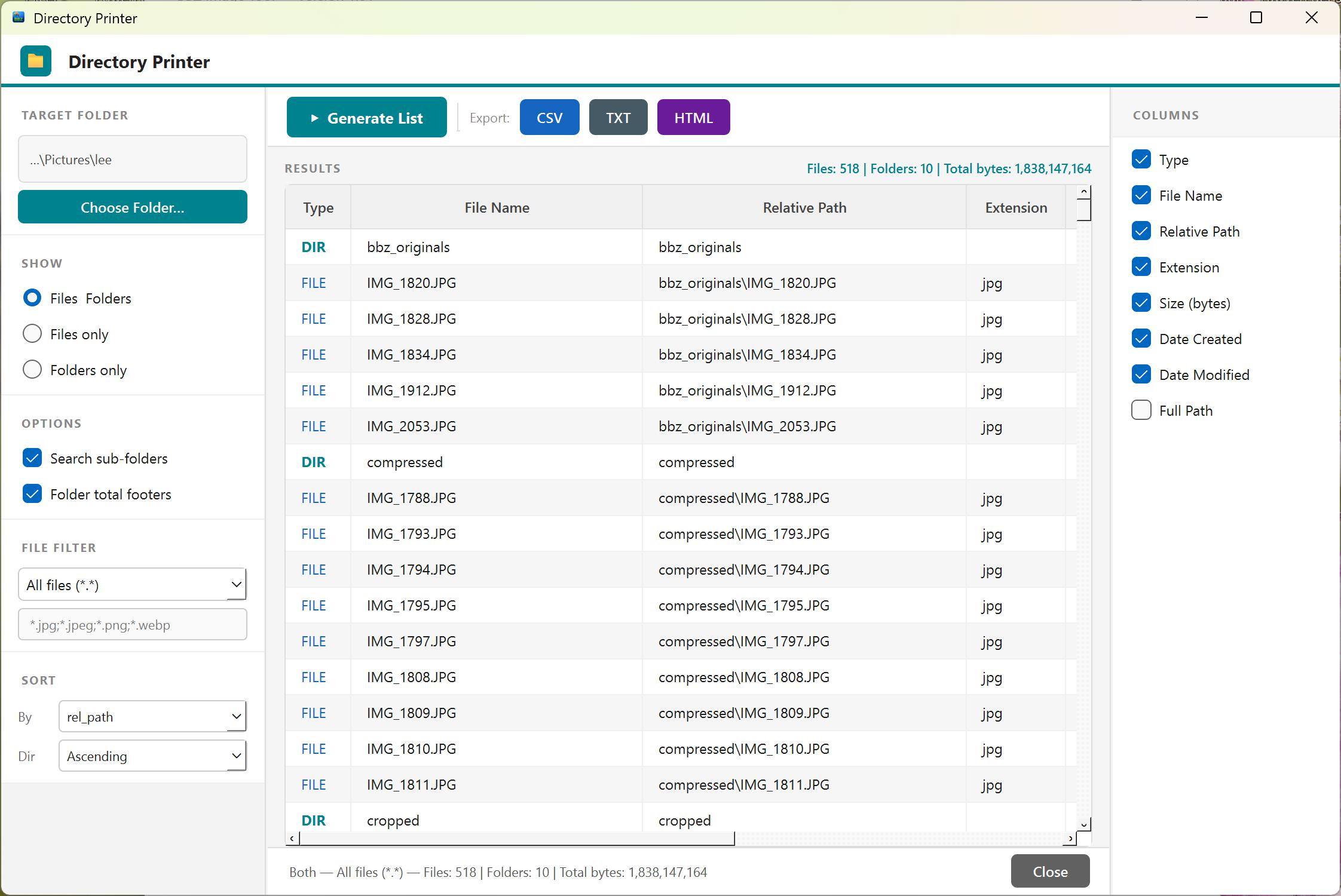 Directory Printer
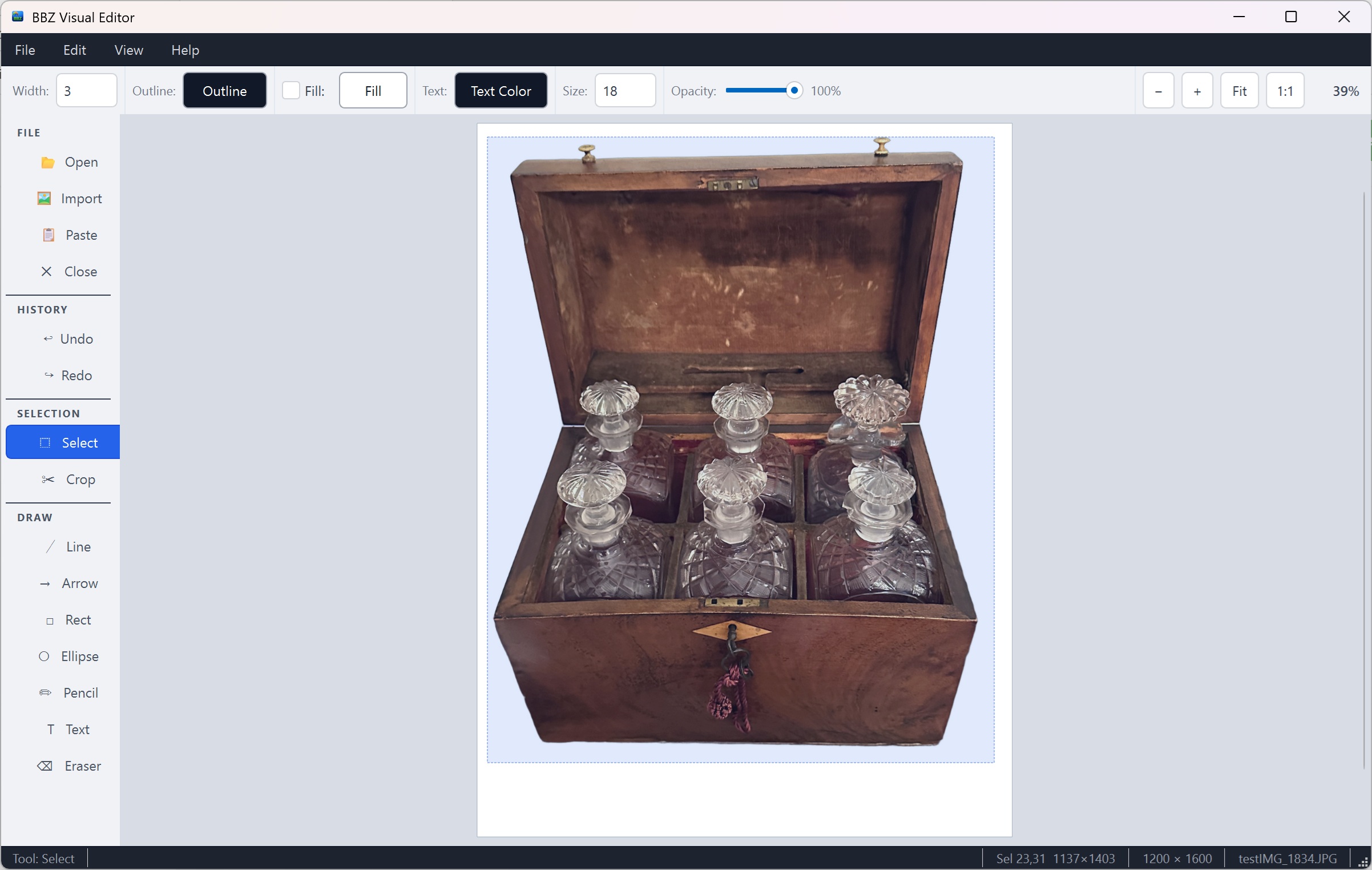 Visual Editor
The download is one part of the toolkit.
Background removal and the Catalog Builder run online. You can use them without installing the desktop app. Image credits and catalog lots are separate.
Before you download.
Is the desktop program free?
Yes. The local rename, resize, crop, conversion and directory tools are free. Online background removal uses image credits; catalog generation uses separate catalog lots.
Do I need an account or Python?
No account is required for the free desktop tools. The installer includes its runtime, so you do not need a separate Python installation. Online services require an account.
Does the catalog builder need this download?
No. Open the Catalog Builder online. The desktop tool can help prepare and rename your images beforehand.
What if a security warning appears?
Do not assume a warning is a false positive. Check that you downloaded from bbzimagetool.com, scan the file and contact support with the warning details if you are unsure.